
ኣብ ዝኾነ ገጽ ዝርከቡ ቅርጺ ፊደላት መርምሩ
ነቲ ቀጥታዊ ፊደላት፡ ዓቐን፡ ክብደት፡ ቅዲን ሕብርን ንምርኣይ፡ ኣብ ጥቓ እቲ ባእታ ወይ ኣብ ጎድናዊ መስመር-DevTools ከይከፈትካ-ንርአ፡ ጽሑፍ ኣቐሚጥካ ጠውቕ።
ኣብ ዝኾነ ባእታ ገጽ መርበብ ሓበሬታ - ስድራቤት፡ ዓቐን፡ ክብደት፡ ቁመት መስመር፡ ርሕቀት ፊደላት፡ ሕብርን ንጽጽርን- ፊደላትን CSS ታይፕግራፊን ኣለሊ፡ ድሕሪኡ ካብቲ ትብ ከይወጻእካ ዘድልየካ ቅዳሕ ወይ ሰደድ።
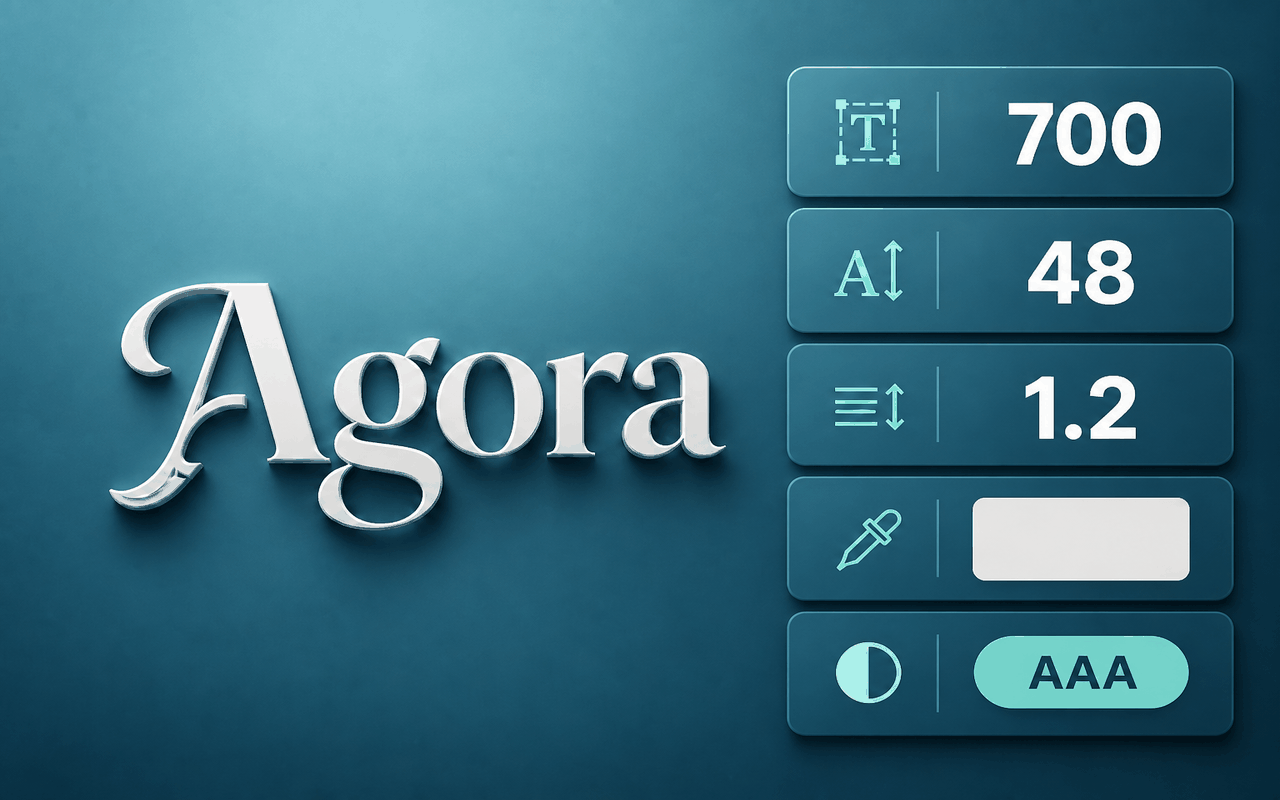
ንቀጥታዊ ታይፖግራፊ ዝተሃንጸ
ነቲ ቀጥታዊ ፊደላት፡ ዓቐን፡ ክብደት፡ ቅዲን ሕብርን ንምርኣይ፡ ኣብ ጥቓ እቲ ባእታ ወይ ኣብ ጎድናዊ መስመር-DevTools ከይከፈትካ-ንርአ፡ ጽሑፍ ኣቐሚጥካ ጠውቕ።
ቁመት መስመር፣ ርሕቀት ፊደላት፣ ምቕያር፣ ስልማትን ንጽጽርን (AAA/AA ምልክታት ሓዊሱ) ኣብ ሓደ ፓነል ኣንብብ።
Copy the font family, color, or a ready CSS snippet for the element you inspected.
Tweak weight, size, spacing, color, and more on the live element, then reset when you are done exploring.
Scan unique text styles across the page and jump between them when auditing a design system.
Export typography as SCSS or JSON, or open a Google Fonts search for the family you found.
ብዲዛይን ቀሊል እዩ።
A Chrome extension that reveals live typography—typeface, size, weight, color, and contrast—so you can inspect, copy, and export fonts from any webpage.
ክሮም ዌብ ስቶር
Illustrative feedback placeholders — Chrome Web Store reviews will replace these when connected.
“I can grab family, weight, and hex color from a live site without opening DevTools.”
“Copy CSS and contrast in one panel is exactly what I need during audits.”
“All fonts on page helps me spot inconsistent type across a landing page fast.”
ሰለስተ ቅልጡፋት ስጉምትታት
Add what the font - font finder from the Chrome Web Store and pin it to the toolbar.
Open the popup, start inspecting, then hover and click any text on the page.
Copy CSS, export styles, open Google Fonts, or browse all fonts on the page.
ቅድሚ ምትካልካ መልስታት
Install what the font - font finder, start inspecting, hover the text, and click to open the panel with family, size, weight, and color.
Yes. From the panel you can copy the font family, color, or a CSS snippet for the inspected element.
It works on regular website tabs. Chrome system pages and some restricted URLs cannot be inspected.
Use All fonts on page to list unique visible text styles and open any of them in the detail panel.
Yes. Edit weight, size, spacing, color, and related styles on the element, then reset to restore the original.
When the family looks searchable, use the Google Fonts action in the panel to open a query for that name.