
کسی بھی صفحے پر فونٹس کا معائنہ کریں۔
لائیو ٹائپ فیس، سائز، وزن، انداز، اور رنگ — عنصر کے قریب یا سائیڈ بار میں — DevTools کو کھولے بغیر ہوور کریں اور متن پر کلک کریں۔
کسی بھی ویب پیج کے عنصر پر ٹائپ فیس اور CSS ٹائپوگرافی کی شناخت کریں—خاندان، سائز، وزن، لائن کی اونچائی، خط کی جگہ، رنگ، اور کنٹراسٹ—پھر ٹیب کو چھوڑے بغیر اپنی ضرورت کی کاپی یا ایکسپورٹ کریں۔
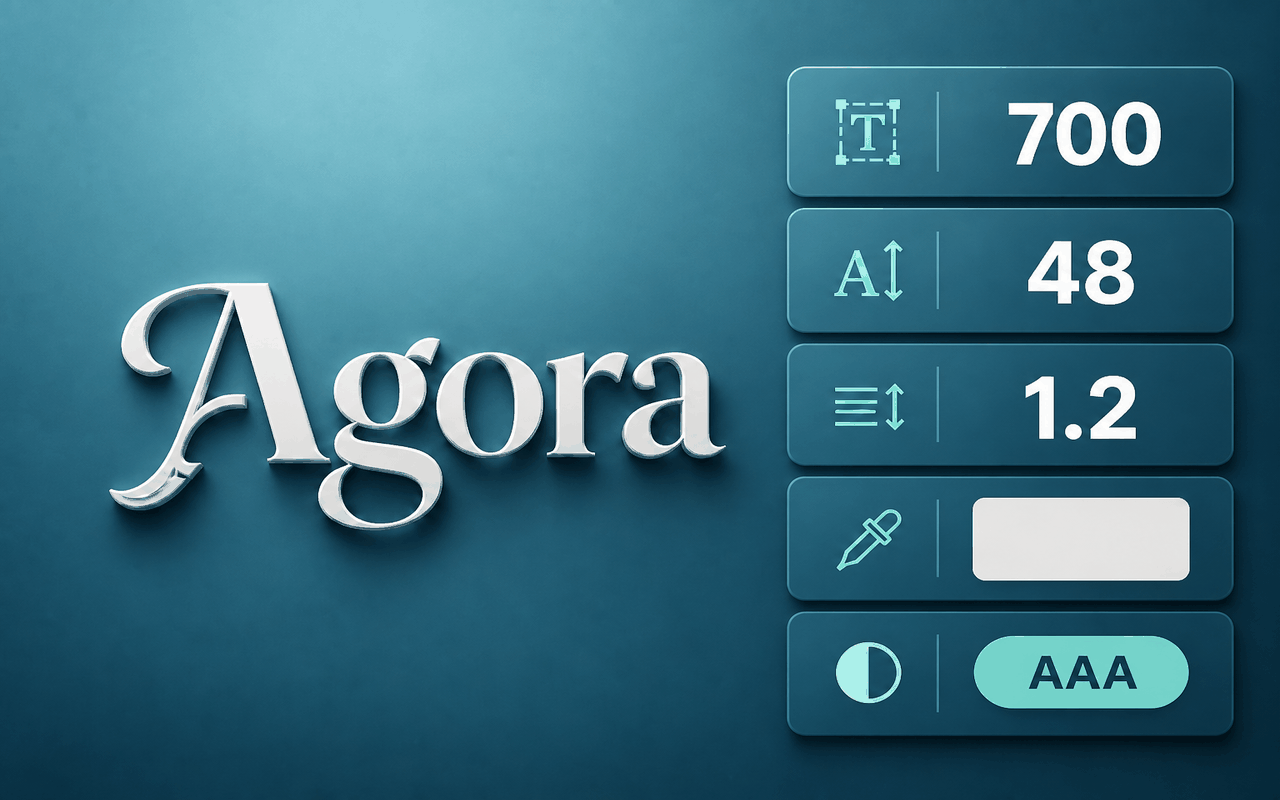
لائیو نوع ٹائپ کے لیے بنایا گیا ہے۔
لائیو ٹائپ فیس، سائز، وزن، انداز، اور رنگ — عنصر کے قریب یا سائیڈ بار میں — DevTools کو کھولے بغیر ہوور کریں اور متن پر کلک کریں۔
ایک پینل میں لائن کی اونچائی، خط کی جگہ، تبدیلی، سجاوٹ، اور کنٹراسٹ (بشمول AAA/AA اشارے) پڑھیں۔
آپ نے جس عنصر کا معائنہ کیا ہے اس کے لیے فونٹ فیملی، رنگ، یا تیار CSS کا ٹکڑا کاپی کریں۔
لائیو عنصر پر وزن، سائز، فاصلہ، رنگ، اور مزید موافقت کریں، پھر جب آپ دریافت کر لیں تو دوبارہ ترتیب دیں۔
پورے صفحے پر منفرد ٹیکسٹ اسٹائل اسکین کریں اور ڈیزائن سسٹم کا آڈٹ کرتے وقت ان کے درمیان چھلانگ لگائیں۔
ٹائپوگرافی کو SCSS یا JSON کے بطور ایکسپورٹ کریں، یا آپ کو ملنے والی فیملی کے لیے گوگل فونٹس کی تلاش کھولیں۔
ڈیزائن کے لحاظ سے سادہ
A Chrome extension that reveals live typography—typeface, size, weight, color, and contrast—so you can inspect, copy, and export fonts from any webpage.
کروم ویب اسٹور
Illustrative feedback placeholders — Chrome Web Store reviews will replace these when connected.
“I can grab family, weight, and hex color from a live site without opening DevTools.”
“Copy CSS and contrast in one panel is exactly what I need during audits.”
“All fonts on page helps me spot inconsistent type across a landing page fast.”
تین تیز قدم
Add what the font - font finder from the Chrome Web Store and pin it to the toolbar.
Open the popup, start inspecting, then hover and click any text on the page.
Copy CSS, export styles, open Google Fonts, or browse all fonts on the page.
انسٹال کرنے سے پہلے جواب دیں۔
Install what the font - font finder, start inspecting, hover the text, and click to open the panel with family, size, weight, and color.
Yes. From the panel you can copy the font family, color, or a CSS snippet for the inspected element.
It works on regular website tabs. Chrome system pages and some restricted URLs cannot be inspected.
Use All fonts on page to list unique visible text styles and open any of them in the detail panel.
Yes. Edit weight, size, spacing, color, and related styles on the element, then reset to restore the original.
When the family looks searchable, use the Google Fonts action in the panel to open a query for that name.